
A personalised beach bag begins long before the embroidery. First decide how you will use it: to carry a towel and sunscreen, every day during summer, or as a gift with a name that means something to someone.
At ICAMON you can start with a Mallorcan ikat beach bag and choose the available options to make it your own. The process is simple when you think about it in this order.
1. Choose a fabric you will enjoy carrying
The fabric gives the bag its character. Look at the available colours and choose one that works with the way you dress or the occasion you have in mind. If it is a gift, think about colours that person genuinely wears, not only the one you like best.
2. Decide whether you would like embroidery
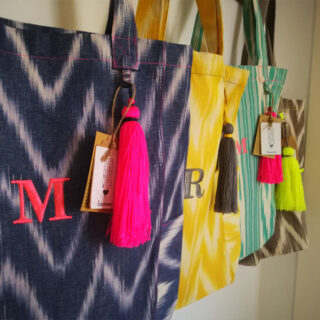
Embroidery can be subtle or become the main detail. Depending on the design, you can choose initials or a name. If you add text, check the spelling carefully before ordering: it will be the most personal way to identify the piece.
3. Choose the thread colour
The thread colour changes the result considerably. A tone close to the fabric looks more integrated; a bright colour makes the name or initials stand out. There is no single formula: it depends on whether you want the embroidery to blend in or be the first thing people notice.
4. Think about the full set
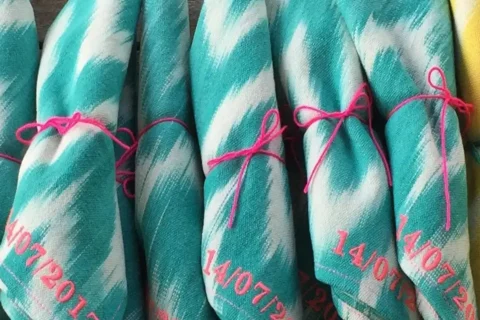
If you would like everything to match, look at the beach bag, pouch and towel set. It is designed for people who like coordinated pieces and a coherent personal touch across the set.
A personalised bag does not need a long message. Sometimes initials are enough. What matters is that the fabric, embroidery and everyday use work well together.